Company

During tax season and beyond, business texting helps you collect documents, confirm details, and keep filings on track without losing visibility or documentation.

Our Accounting Clients


The Problem
Clients overlook emails and miss calls during tax season when you need documents and approvals most. Staff resort to texting from personal phones, creating documentation gaps and risk. Meanwhile, repetitive reminders and follow-ups consume hours your team doesn’t have during peak periods, especially when trying to gather missing information for time-sensitive filings.
Features
TextBetter’s Email to Text solution gives accountants secure, documented messaging without new software to learn. Messages route through your existing email environment, so your current security policies automatically apply and conversations can be saved directly to client files.
TextBetter allows all client text communications including replies, approvals, and document exchanges to be captured and retained in your email environment. From there, they can be saved into engagement files, tax folders, audit workpapers, or bookkeeping records to maintain complete documentation for tax returns and other accounting services.

All texting occurs through business-managed numbers, not employee cell phones, so communication stays within firm-managed channels. This improves oversight, reduces risk, and ensures client messages can be referenced or stored when needed for audit readiness while avoiding phone tag between staff and clients.

New and existing client text messages appear in your email environment where they can be viewed, referenced, and saved as needed. The Shared Inbox feature allows multiple authorized staff members to access and respond from the same business number, ensuring consistent communication across partners, managers, and staff.

Send messages such as deadline reminders, missing-document requests, and estimated tax payment alerts to large groups at once. Variable-data messages and templates support personalized messaging, helping tax professionals communicate consistently and save time during busy season.

The Numbers
* Data from Pew Research Center, Radicati Group Email Statistics Report, and McKinsey & Company research.
Applications
From tax deadline reminders to document collection, CPA SMS makes it simple to communicate faster while maintaining complete documentation.

From tax deadline reminders to document collection, CPA SMS makes it simple to communicate faster while maintaining complete documentation.

Clients text photos of W-2s, 1099s, receipts, bank statements, or invoices that staff can save directly into tax folders or accounting systems.

Send quick messages to request clarifications, confirm totals, or obtain approval to proceed instead of waiting on slow email threads.

Confirm tax preparation meetings, send calendar reminders, and reduce no-shows with automated appointment reminders.

Send text reminders with direct links when clients haven’t signed engagement letters or completed e-signature requests.

Request documentation, ask clarification questions, and send status updates so clients can respond immediately from their phone.
Testimonials
Use Cases
TextBetter supports structured, secure business texting across accounting teams while ensuring every message is documented, organized, and accessible during busy season and beyond.
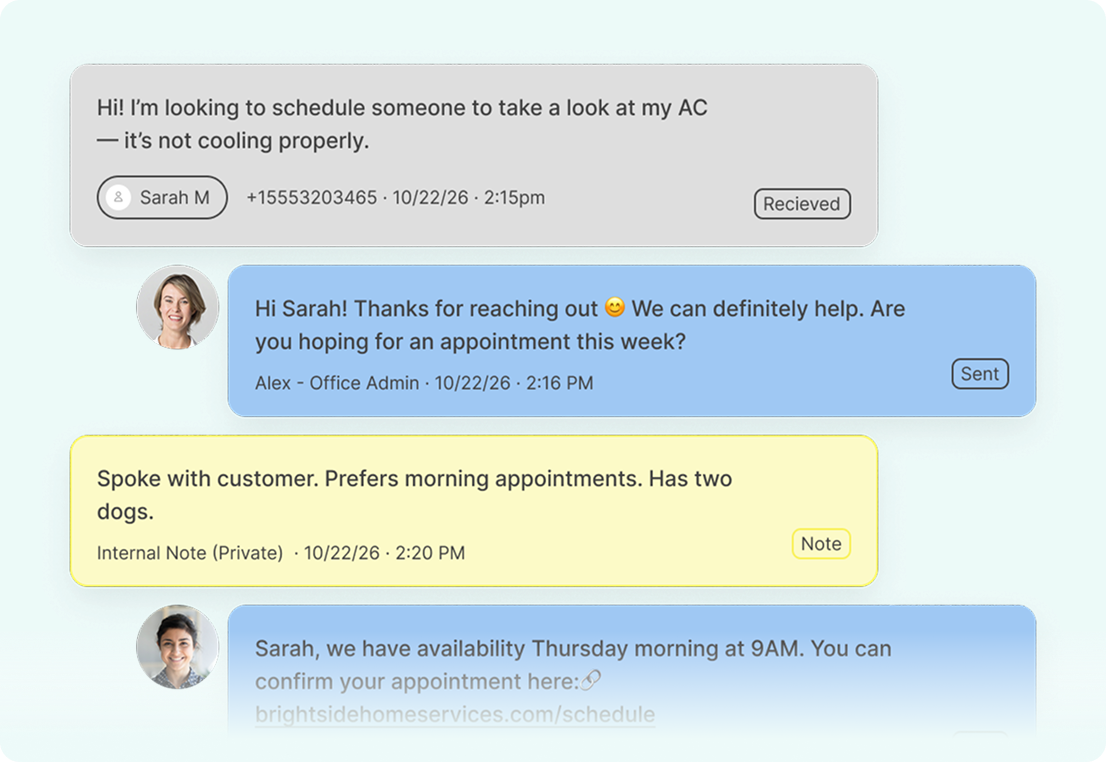
Multiple team members can access and respond from the same business number, keeping client conversations centralized and visible across partners, managers, and staff. No more siloed messages or lost context when engagements move between team members.
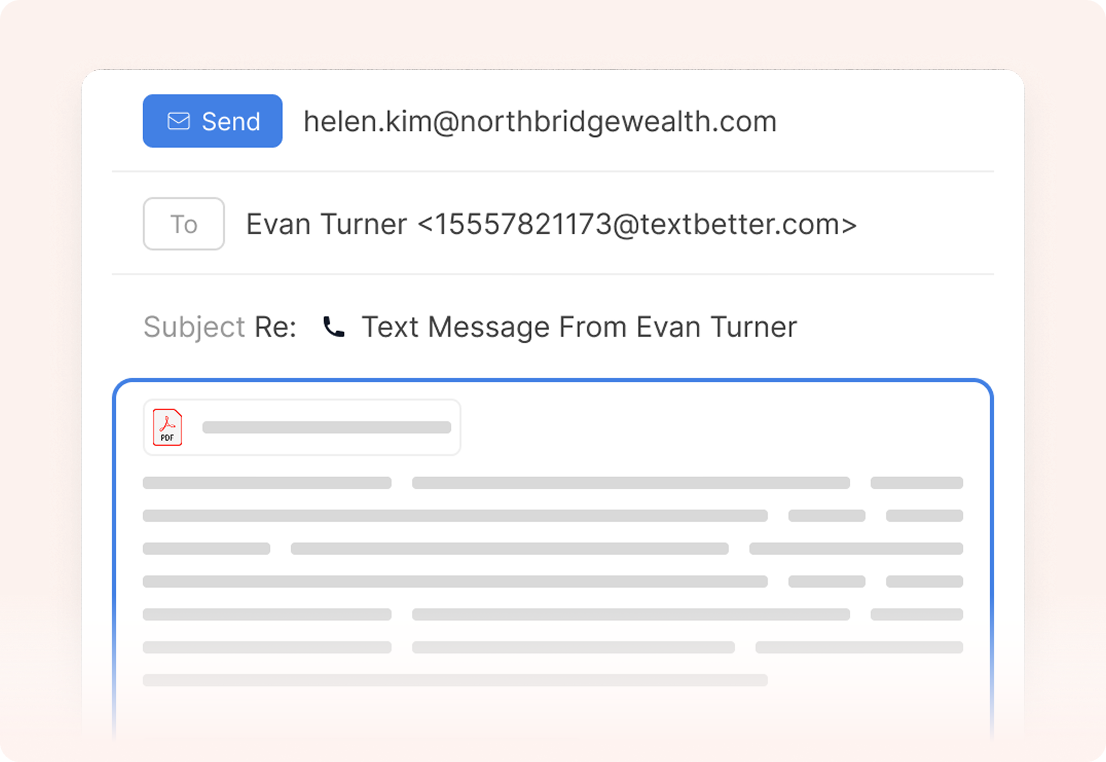
Send and receive client text messages directly through your existing email system. Staff can send quick responses using the tools they already rely on while keeping conversations easy to save to engagement files, tax folders, or workpapers.
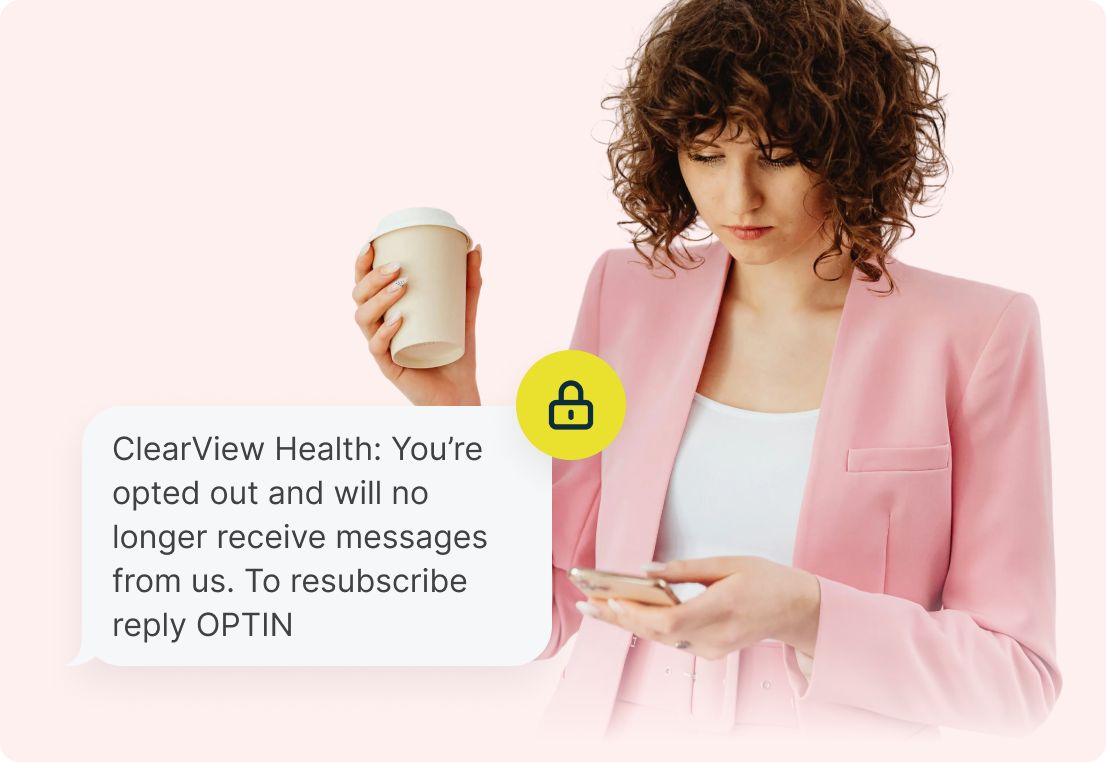
Built-in opt-out handling and message documentation help firms respect client communication preferences while maintaining structured, firm-controlled messaging practices.
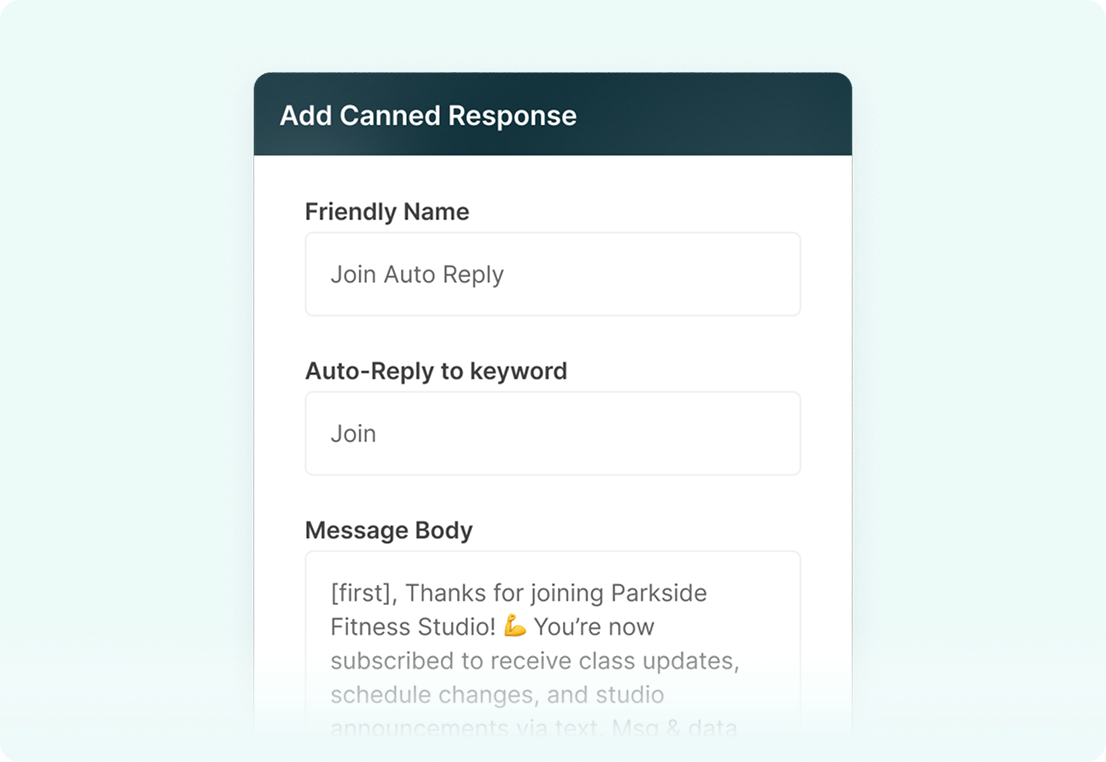
Schedule deadline reminders, estimated payment notices, follow-ups for missing documents, and appointment confirmations in advance to reduce repetitive manual outreach during tax season.
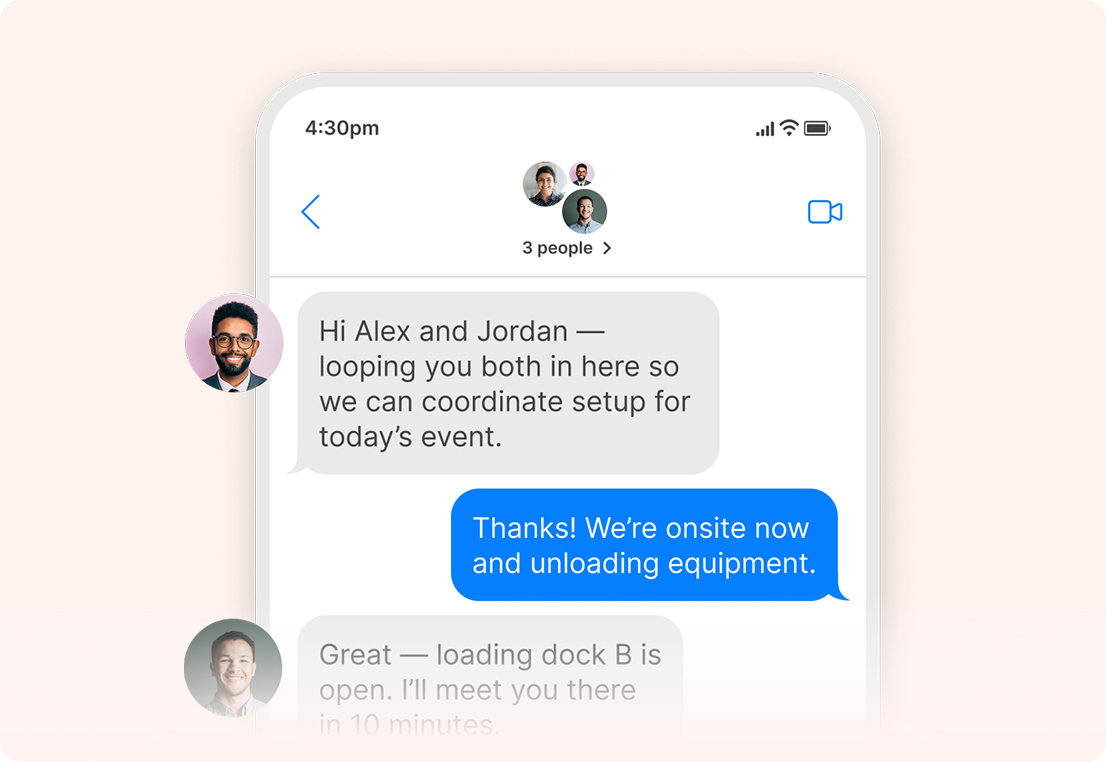
Quickly reach defined client groups such as business clients, payroll clients, or upcoming filing deadlines while keeping replies organized and documented for each engagement.
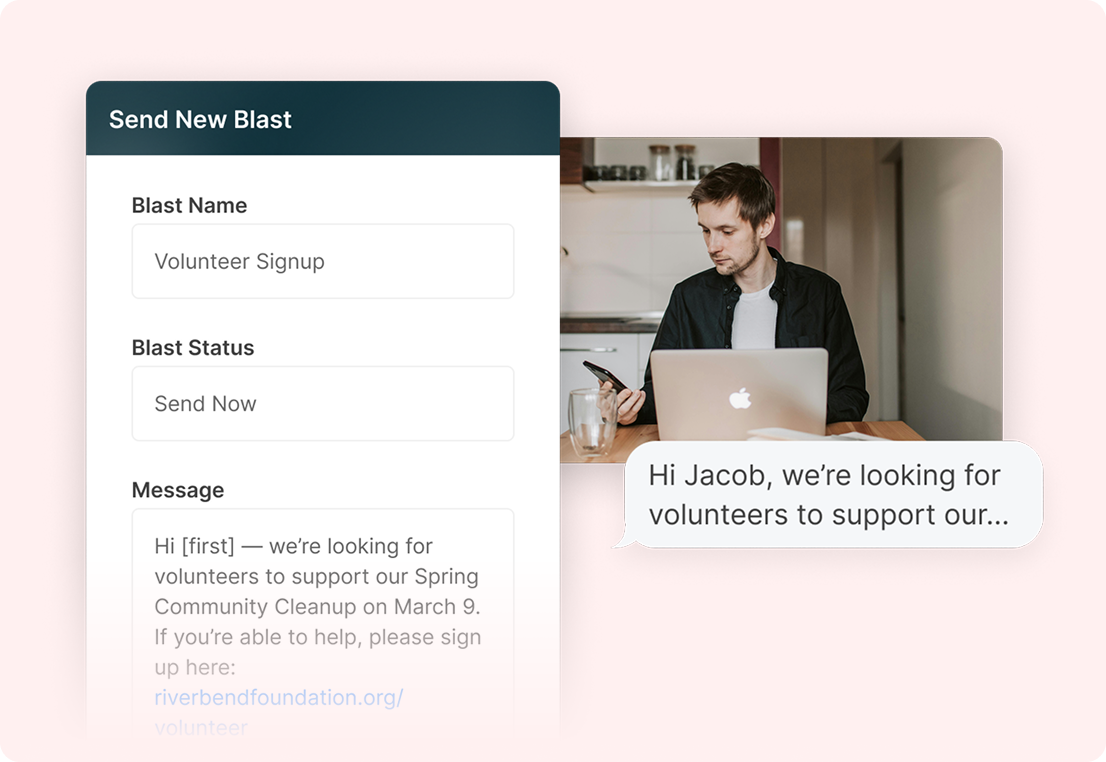
Send high-volume deadline alerts, organizer reminders, or policy updates in seconds, with every response captured in its own private conversation thread for proper documentation.
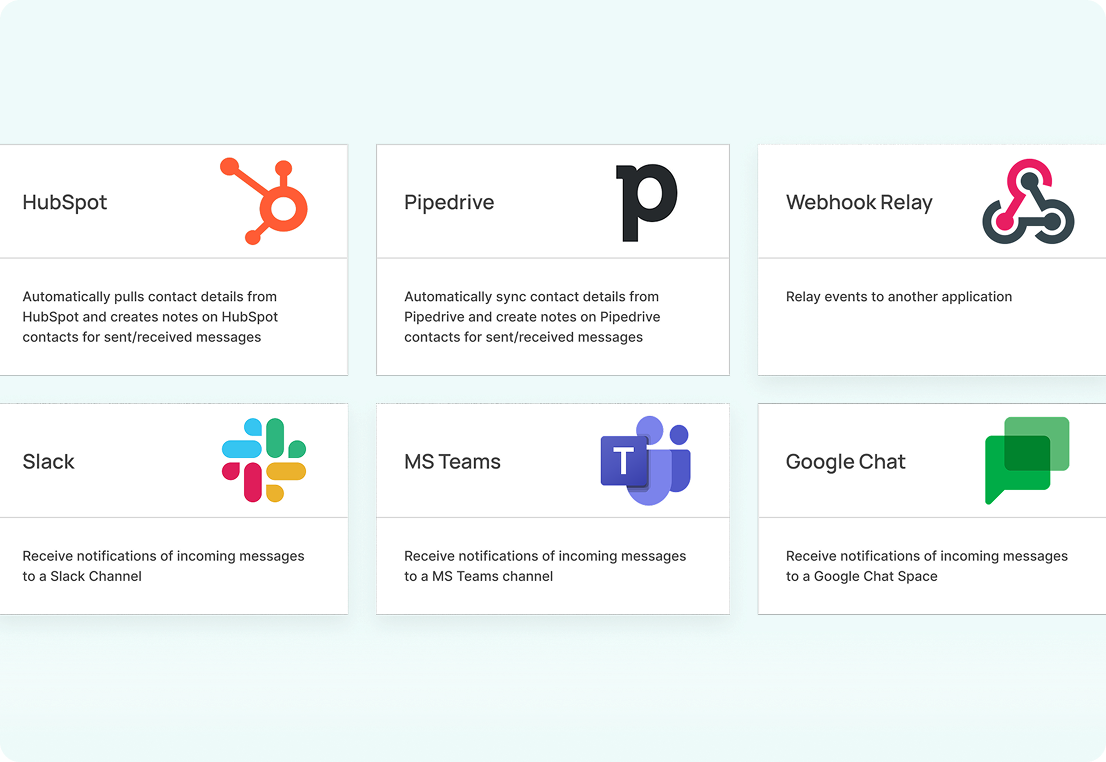
Integrate texting into your CRM, document management system, or internal workflows so communication fits seamlessly into the systems your firm already uses.
Accounting firms routinely exchange confidential financial data. TextBetter keeps communication tied to business-managed phone numbers instead of personal devices, reducing exposure and helping firms follow their own internal privacy, security, and communication policies. This avoids unmonitored, informal texting that cannot be documented or controlled.
Yes. TextBetter’s Email to Text solution allows all client text messages including replies, approvals, and document exchanges to be captured and retained in the firm’s email environment. From there, they can be saved into the engagement file, tax folders, audit workpapers, or bookkeeping records. This helps firms maintain complete documentation in line with their internal policies and quality-control standards.
Accounting firms must respect communication preferences. TextBetter includes controls that help document and honor STOP/UNSUBSCRIBE requests across staff, reducing the risk of unauthorized follow-up messages.
TextBetter’s Email to Text solution allows you to receive text messages in the firm’s email environment, where they can be viewed, referenced, and saved into the engagement file as needed. For teams that share responsibility for a client, the Shared Inbox feature allows multiple authorized staff members to access and respond from the same business number through role-based access controls. This ensures communication is consistent, coordinated, and visible across partners, managers, and staff without relying on personal devices.
Yes. Firms can use mass messaging and variable-data messages to send reminders for deadlines, missing documents, estimated tax payments, organizer completion, and other high-volume tasks. Templates help eliminate repetitive manual work.
Yes. Clients respond more quickly to text messages than email or voicemail. Firms typically see fewer inbound calls about reminders, status updates, document requests, or clarifications, allowing staff to stay focused on billable work.
Yes. Current clients can send photos of receipts, W-2s, 1099s, bank statements, invoices, or other supporting documents. This is especially useful for small-business clients who prefer sending documents on the go.
Landline texting solutions built for business
Prefer to talk it through? Call us at (800) 322-1112